

Have you ever needed to share a file securely and anonymously? I mean, without having to provide any personal information or worry about the logs of the service you're using? Probably not. But if you ever needed to... Onionshare it might be right for you.
This tool allows you to share any file while taking advantage of the anonymity offered by the Tor network. Once the client is installed on your computer, it creates a virtual web server that will allow anyone who knows its address to download the files you've shared.
Other users will be able to access the web server and it will be accessible with the Tor Browser as if it were a normal hidden .onion service.
I decided to tell you about it because a few days ago its developers released the version 2.
How OnionShare works in a nutshell
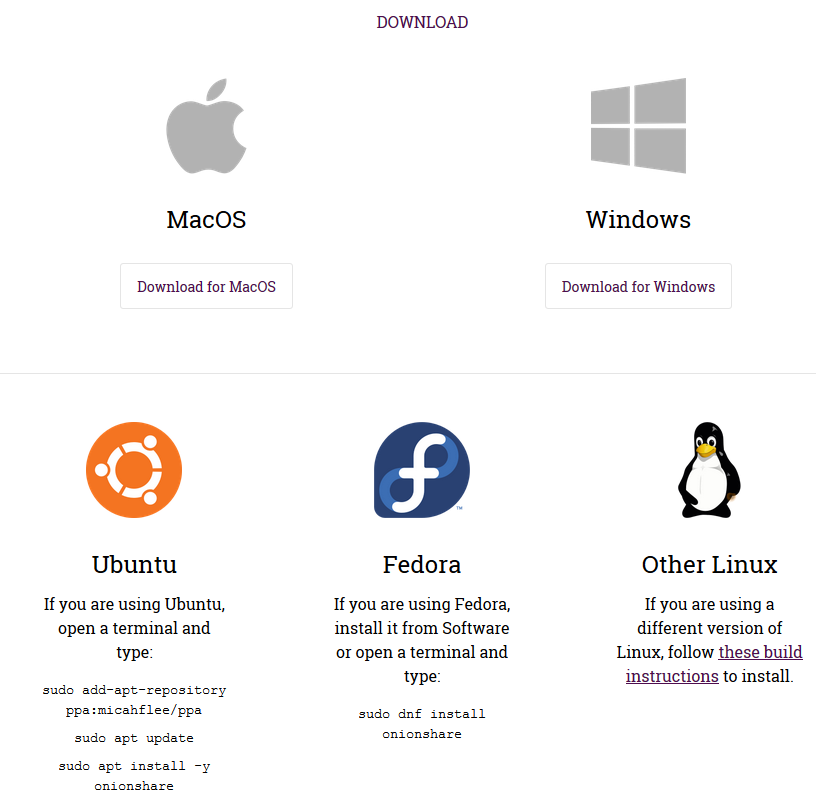
To start using OnionShare you need to download and install the client suitable for your operating system directly from the website onionshare.org.
The client features a very simple and clean graphical interface divided into two tabs for sharing and receiving files and the Options page.
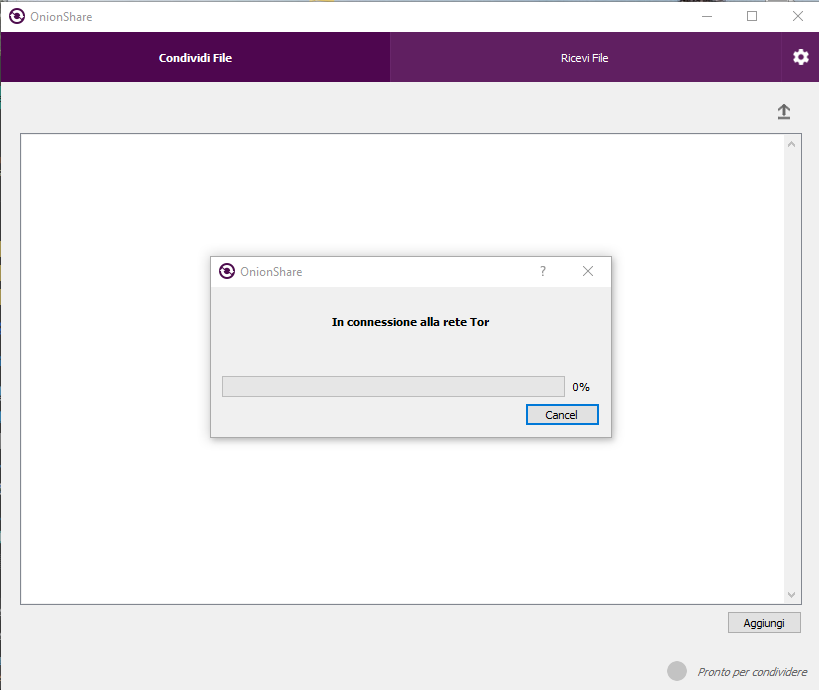
Once connected to the Tor network, the software allows you to choose the files to share using the "Add" button. Once this is done, the .onion address appears, from which you can download the shared file.
Onionshare also gives you the option to receive files via the Tor network in the "Receive Files" tab. Simply open the tab and press the appropriate button to start receiving files. This also generates a .onion address for distribution to anyone who wants to send you files.
All they need to do is visit the mini hidden service .onion to upload the material they want to send you, which will then be downloaded to the folder indicated in the settings.
I'd like to point out the genius of this: anyone who needs to send or receive a file you've shared doesn't need to install OnionShare themselves, as they simply visit the .onion page you've created.
The .onion share address format used by Onionshare
Onion addresses generated by OnionShare are much longer than classic ones. Legacy addresses (v2 addresses) 16 characters long since This service uses the standard prop224 (v3 addresses)
introduced in 2018 which allows for addresses consisting of 56 characters.
The full .onion address contains, in addition to the address itself, two words called "slugs," separated by a hyphen. These words, chosen randomly from a list of 7,776, add an additional layer of security to file sharing: without knowing them, you can't access the shared material, even if you know the .onion address used.
However, attempting to access the file using random word combinations will render the file inaccessible to anyone after 20 failed attempts.
To recap, the addresses generated by OnionShare have this format:
http: //[tor-address].onion/[slug]
Example:
http://sfjytxiaat7gy6v6zwlvfzuppbyzyd4qdf65ysrdx2buj6fqvkyh4sid.onion/ripening-battered
Share a file
To familiarize myself with this service, I did some tests using a TXT file containing only text.
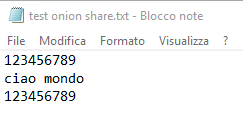
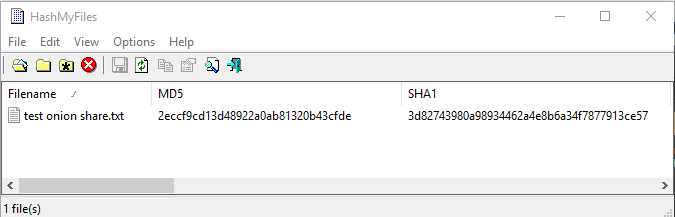
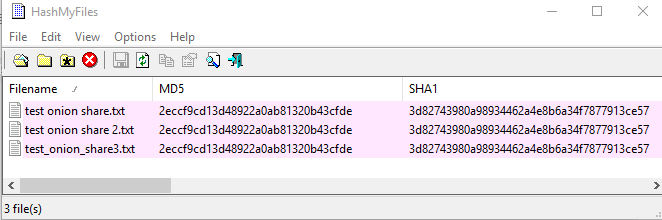
I calculated it’ hash with “HashMyFiles by Nirsoft”.
I uploaded the file to the OnionShare client and, after starting the sharing function, I copied the .onion address from which to download the file.

The shared file is listed on the page created by the service and can be downloaded by clicking the “Download Files” button at the top right.
To download the TXT file I used Tor Browser.

Meanwhile, the OnionShare client promptly notified me that someone had opened the .onion page.

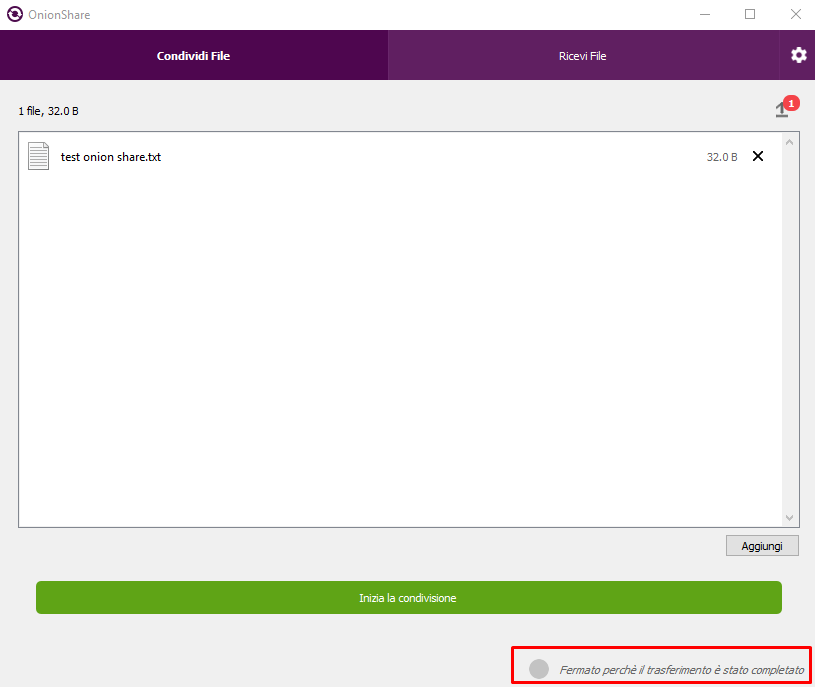
Once the file is downloaded, the sharing function is stopped and must be re-enabled if you need to share it again. In other words, the file is only available for a single download unless the client is set otherwise.
To make sure the file, renamed to test onion share 2.txt, has not undergone any changes nor have I recalculated the hash.
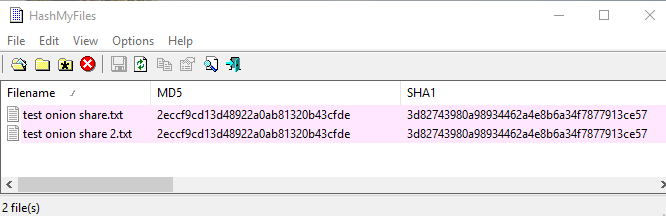
Since the hashes match, I can be sure that the file has not been modified.
Receiving files
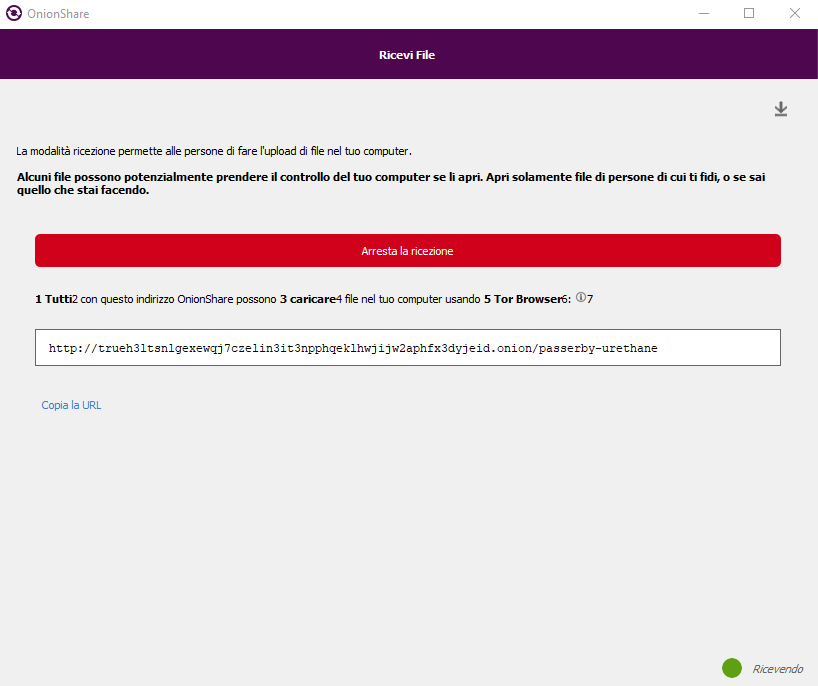
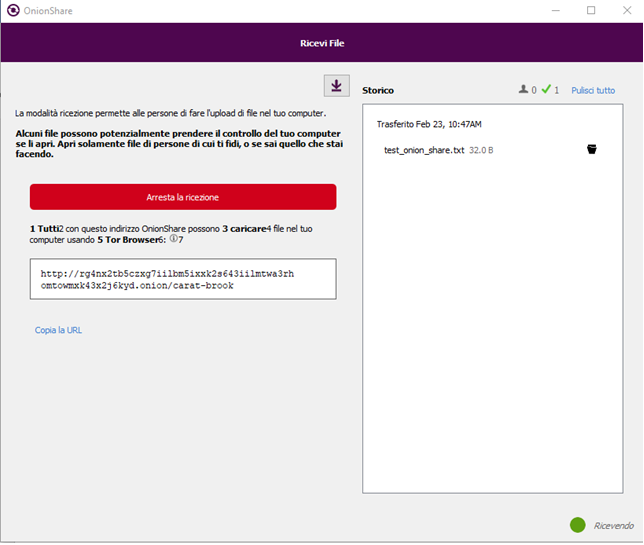
To test this feature, I opened the tab dedicated to this function and started the service.
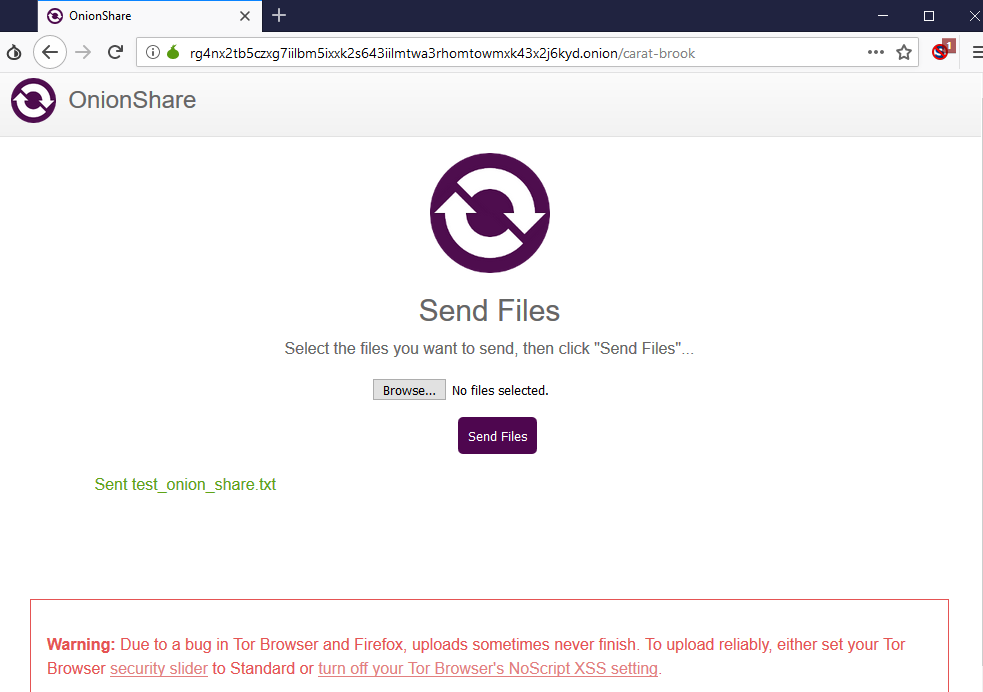
For convenience, I reused the same TXT file that I sent via Tor Browser.
Onionshare automatically downloads the file received via Tor to the specified folder. You can monitor received files using the graphical interface, and you can directly open the folder by clicking the dark icon to the right of the file name.
Please note that file reception remains active until it is manually stopped by pressing
“"Stop sharing." This could allow you to receive files without realizing it. It's therefore important to always stop this feature when you feel you no longer need to receive files or when the person sending you files has finished.
This time too I renamed the “received” file and recalculated the hash which confirmed the absence of alterations.
The available settings
The client allows you to customize its behavior via the settings tab.
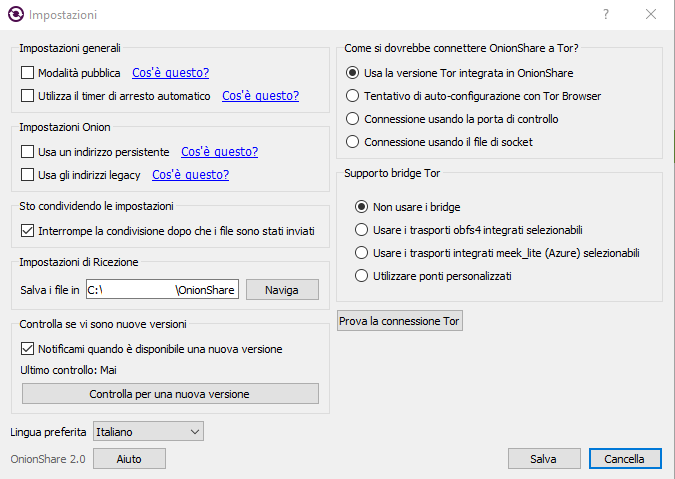
The first interesting setting is "Public Mode." If you need to share files with multiple people, you can generate a link without the slug. Public mode essentially removes the layer of security that the two words provided, making it possible to download the file using only the .onion address.
The “Stop sharing after files are sent” setting lets you decide whether to download the same file multiple times.
“"Use auto-off timer" allows you to set a maximum time frame for the file to be available. After that time, the file is no longer available.
“Use persistent address” ensures that OnionShare always uses the same .onion address.
“Use legacy addresses” allows you to use 16-character addresses. This may be useful if your conversation partner is using Tor Browser versions older than 7.5 that don't support v3 addresses.
Finally, if you have specific needs, you can change the way the OnionShare client connects to the Tor network using the options on the right side of the screen: use of specific versions of Tor, bridges, etc.
Leave a Reply